
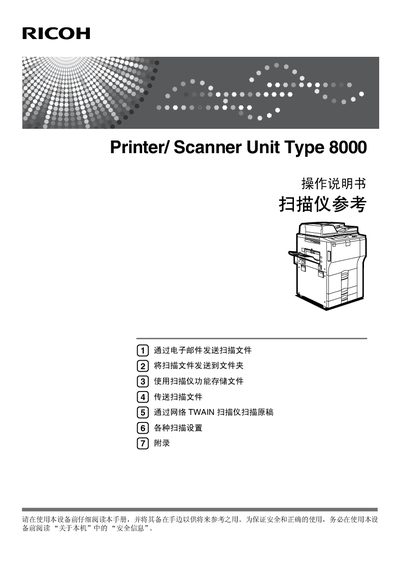
This manual explains how to safely install and operate the Ricoh Printer/Scanner Unit Type 8000. It includes important safety information, warnings about radiation hazards, and guidance on reading the "About this machine" section before use.
The guide covers all major functions such as sending scanned files via email, sending scans to a network folder, storing files on the device, transferring scans over the network, and configuring Network TWAIN scanning. Detailed settings for resolution, file type, and image adjustments are also described, along with security features like SSL and administrator password management. This manual is written in Chinese.
Use the Email function described in the manual; select the email screen, register the email address, and follow the steps to send the file.
Choose the "Scan to Folder" option, register the destination folder in the communications screen, and follow the preparation steps before sending.
Install the TWAIN driver from the supplied CD, then follow the Network TWAIN scanner introduction and preparation steps.