
The Dell DL1000 Appliance Setup Guide provides information on safety instructions, software license agreement, system service tag, before you begin, and troubleshooting.
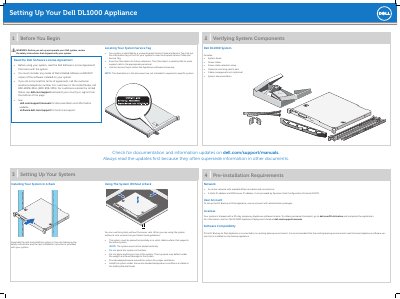
This guide explains how to set up the Dell DL1000 Backup to Disk Appliance, including checking documentation updates, network and user account requirements, and verifying the system components included with the unit.
It covers installing the DL1000 in a rack or on a solid, stable surface, turning on the system and monitor, completing the AppAssure Appliance Configuration Wizard, and launching the AppAssure 5 Core Console. It also lists related Dell documentation and notes that the system ships with a 30-day temporary AppAssure software license.
| Temporary AppAssure software license | 30-day |
|---|---|
| System identification | Express Service Code and Service Tag |
| Configuration wizard | AppAssure Appliance Configuration Wizard |
Review the safety instructions that shipped with the system and read the Dell Software License Agreement before using it.
Yes. It must be placed horizontally on a solid, stable surface that supports the entire system, with adequate space around it for proper ventilation.
The system ships with a 30-day temporary AppAssure software license. Permanent licenses are obtained by completing the registration at dell.com/DLActivation.
The system prompts you to change the password, and after the password is confirmed the AppAssure Appliance Configuration Wizard is displayed.