
The Dell Latitude 3180 Quick Start Guide provides information on how to use the Dell Latitude 3180 laptop.
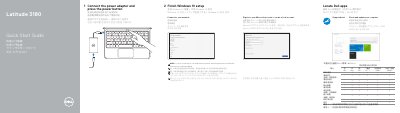
This quick start guide describes the initial setup steps for the Dell Latitude 3180: connecting the power adapter, pressing the power button, and completing Windows 10 setup by connecting to a network and signing in to a Microsoft account or creating a local account. It also directs users to locate Dell apps, including SupportAssist, and to check and update the computer.
The guide lists the computer model as Latitude 3180 with regulatory model P26T, and identifies features such as a camera, microphone, power button, battery status light, universal audio jack, speakers, touchpad, USB 3.0 ports, an HDMI port, a microSD card reader, and a power connector port. Support, manuals, regulatory, and safety information is available through the listed Dell websites.
| Rated voltage | 100 - 240 volts (AC) |
|---|---|
| Rated frequency | 50 - 60 Hz |
| Rated input current | 1.6 A / 1.7 A |
| USB ports | Two USB 3.0 ports, one with PowerShare |
| Video port | HDMI port |
| Card reader | microSD card reader |
Connect the power adapter and press the power button.
Connect to your network, then sign in to your Microsoft account or create a local account.
Locate Dell apps, including SupportAssist, and use it to check and update your computer.
Support and manuals are available at Dell.com/support and Dell.com/support/manuals.