
This guide describes how to set up and use the Dell EMC PowerEdge server.
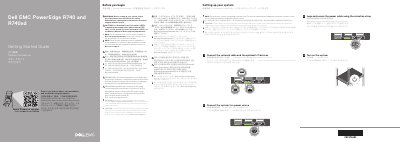
This Getting Started Guide for the Dell EMC PowerEdge R740 and R740xd server explains initial setup: connecting the network cable and optional I/O devices, connecting the system to a power source, looping and securing the power cable with the retention strap, and turning on the system. It also includes safety and regulatory notices, documentation references, and the Dell End User License Agreement.
The guide lists power supply specifications, including wattage, voltage, frequency, and current ratings for Platinum, Titanium, Mixed Mode HVDC, and DC options. It gives the regulatory model as E38S Series/E38S001.
| 2400 W Platinum AC power supply | 2400 W; 100–240 V; 50/60 Hz; 16 A |
|---|---|
| 2000 W Platinum AC power supply | 2000 W; 100–240 V; 50/60 Hz; 11.5 A |
| 1600 W Platinum AC power supply | 1600 W; 100–240 V; 50/60 Hz; 10 A |
| 1100 W Platinum AC power supply | 1100 W; 100–240 V; 50/60 Hz; 12 A–6.5 A |
| 1100 W DC power supply | 1100 W; -(48–60) V; 32 A |
| 750 W Titanium AC power supply | 750 W; 200–240 V; 50/60 Hz; 5 A |
Follow the safety instructions in the Safety, Environmental, and Regulatory Information document shipped with the system.
Use Extended Power Performance (EPP) compliant power supply units, indicated by the EPP label.
The documentation set is available at Dell.com/poweredgemanuals.
Ensure that the operating system is installed before installing hardware or software not purchased with the system.