
The Dell EMC XC640 Hyper-Converged Appliance Getting Started Guide provides setup and usage instructions for the device.
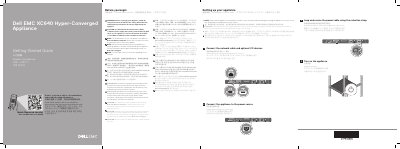
The Dell EMC XC640 Hyper-Converged Appliance Getting Started Guide provides essential instructions for the initial setup of the appliance, including power connection and network configuration.
It emphasizes the use of Extended Power Performance (EPP) compliant power supply units and directs users to official Dell documentation for comprehensive manuals and supported operating systems.
| Power Options | 2000 W Platinum AC, 1600 W Platinum AC, 1100 W Platinum AC, 750 W Platinum AC, or 1100 W DC |
|---|---|
| System Battery | 3 V CR2032 lithium coin cell |
| Maximum Ambient Temperature | 40°C/104°F |
Use Extended Power Performance (EPP) compliant power supply units (PSUs), which are identified by an EPP label.
The operating system must be installed before any hardware or software not purchased with the appliance is installed.