
The Dell Networking W-AP110 Series Access Points support the IEEE 802.11n standard for high-performance WLANs. They use MIMO (Multiple-in, Multiple-out) technology and other high-throughput mode techniques to achieve high-performance 802.11n 2.4 GHz and 5 GHz capabilities, while supporting existing 802.11a/b/g wireless services.
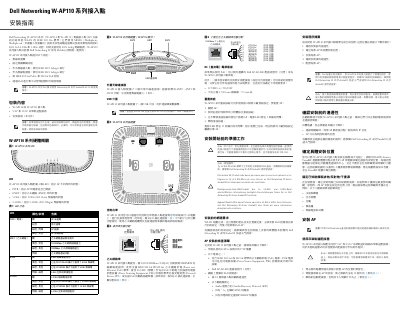
The Dell Networking W-AP110 Series Installation Guide covers the W-AP114 and W-AP115 wireless access points, which support IEEE 802.11n operation in the 2.4 GHz and 5 GHz bands with MIMO. The access points work with Dell Networking W Series Mobility Controllers and require ArubaOS 6.3.1.0 or later.
The guide describes package contents, LED indicators for power, Ethernet, 5 GHz, and 2.4 GHz, the W-AP114 external antenna connectors, the USB interface, the RJ-45 console port, the 10/100/1000Base-T Ethernet port with 802.3af/802.3at PoE, the DC power socket, and the reset button. It also summarizes pre-installation network requirements, the five installation tasks, and mounting with ceiling rail adapters. This manual is written in Chinese.
| Ethernet port | 10/100/1000Base-T RJ-45, auto-sensing MDI/MDX |
|---|---|
| PoE support | IEEE 802.3af PoE and IEEE 802.3at PoE+ |
| PoE input voltage | 48 VDC |
| DC power input | 12 VDC (+/- 5%), 18 W |
| Console port | RJ-45 serial console port |
| LEDs | 4 LEDs: PWR, ENET, 5 GHz, and 2.4 GHz |
| USB interface with 802.3af PoE | Disabled when powered through 802.3af PoE |
The access points require Dell Networking W Series ArubaOS 6.3.1.0 or later.
When not using PoE, the AP can be powered by an optional Dell AP AC-DC adapter or a local AC-to-DC adapter rated 12 VDC (+/- 5%)/18W.
The USB interface is disabled when the AP is powered through 802.3af PoE.
CAT5e or better UTP cable of the required length is required.