
The user manual for Dell computers introduces the configuration and advanced options of the computer and provides contact information.
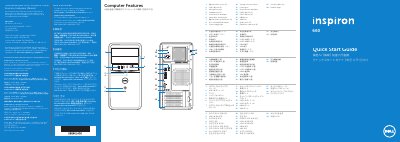
This multilingual quick start guide is for the Dell Inspiron 660 desktop computer. It identifies the computer's external features and ports, including USB, HDMI, VGA, audio, expansion, and media card reader connections.
It also outlines basic setup steps such as connecting the keyboard, mouse, network cable, display, and power, completing Windows setup, locating and recording the Service Tag, and contacting Dell support.
| Regulatory model | D11M |
|---|---|
| Input voltage | 115/230 V AC |
| Input frequency | 50 to 60 Hz |
| Input current | 7.0 A/4.0 A or 6.0 A/2.1 A |
| USB 3.0 ports | 4 |
| Audio ports | 3 |
| Expansion card slots | 4 |
| Media card reader | 8-in-1 |
Click Start, then All Programs, then Dell Help Documentation, or go to support.dell.com/manuals.
Connect the display to the port on the discrete graphics card.
Record it in the space provided in the guide.
No, do not use the @ symbol in your password.