
Dell Display Manager is an application for Microsoft Windows that is used to manage one or more monitors. It allows you to manually adjust the displayed image, automatically assign settings, manage power, organize windows, rotate the image, and perform other functions on certain Dell monitors.
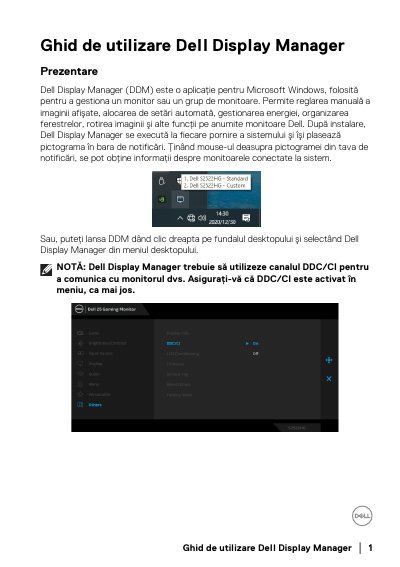
Dell Display Manager is a Microsoft Windows application used to manage a monitor or a group of monitors. It allows manual image adjustment, automatic preset assignment, power management, window organization, image rotation and other functions on certain Dell monitors.
The guide covers the Quick Settings dialog, basic settings, Auto Mode preset assignment, Easy Arrange window organization, multiple video input management, restoring application window positions, attaching DDM to active windows, and PowerNap energy-saving options.
| Supported platform | Microsoft Windows |
|---|---|
| Monitor communication | DDC/CI channel |
| Quick access hotkey | Ctrl+Shift+D |
| Custom Easy Arrange layouts | 5 |
| Recently used Easy Arrange layouts | 5 |
Click the Dell Display Manager icon in the notification area.
Drag the application from the desktop, Start menu, or another location into the current assignment list.
Select a predefined layout, then drag application windows into the defined zones.
Right-click the DDM notification icon and use the restore window layout options.