
The Dell Laptop Quick Start Guide provides information on unpacking, setting up, using, and maintaining your Dell laptop.
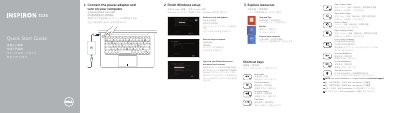
This quick start guide helps set up the Dell Inspiron 3135 laptop, including connecting the power adapter, finishing Windows setup, and exploring available resources.
It identifies the laptop's features and ports, lists shortcut keys, and provides product support, contact, and regulatory information.
| USB 2.0 port | 1 |
|---|---|
| USB 3.0 ports | 2 |
| HDMI port | 1 |
| Digital microphones | 2 |
| Network port | 1 |
| Media-card reader | 1 |
The guide points users to dell.com/support for product support and dell.com/support/manuals for manuals.
The guide directs users to dell.com/contactdell.
The shortcut key labeled Mute audio mutes audio.