
The Dell Wyse Cloud Client Wyse 5010 Quick Start Guide provides information on how to set up and use the Dell Wyse Cloud Client Wyse 5010.
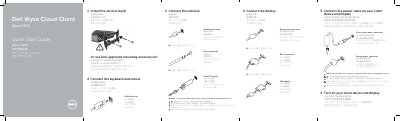
This quick start guide shows how to set up the Dell Wyse Cloud Client Wyse 5010, including mounting, connecting the keyboard, mouse, display, power, and network.
It also identifies the front and rear panel components, lists features, and provides product support, manual, and regulatory information.
| Client device model | Dell Wyse Cloud Client Wyse 5010 |
|---|---|
| Network port | 10/100/1000 Base-T or SFP |
| Power adapter input | +19V |
| DVI-I port | 1x DVI-D / 1x VGA |
| Wireless antenna ports | 2x (optional) |
| Rated voltage | 100-240 V AC |
| Rated frequency | 50-60 Hz |
| Rated input current | 1.6 A |
It is ready when the client device activity light goes off.
Rotate the latch and unplug it from its slot.
Yes, components may vary based on model and location.