
The Dell Premier Page is a customized, secure online toolset for purchasing, reporting, researching products and support. This guide will show you how to make the most of this customized procurement tool.
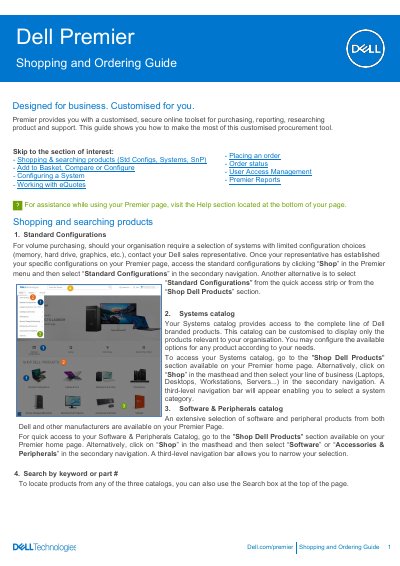
This guide describes how to use the Dell Premier page, Dell's customised online toolset for purchasing, reporting and researching product and support. It walks through shopping the Standard Configurations, Systems and Software & Peripherals catalogs, searching by keyword or part number, adding items to the basket, comparing products and configuring a system.
The guide also covers saving and retrieving eQuotes, requoting expired quotes, placing an order with checkout and Express Checkout profiles, the confirmation emails and order status, Premier reports such as Order Status and Purchase History, and User Access Management with access groups and roles.
| Recent online orders window | Orders placed online within the last 30 days |
|---|---|
| Expired eQuote visibility | eQuotes that expired within the last 30 days can be requoted |
View the cart and click "Save as eQuote," complete all required fields and click "Save eQuote." A confirmation email with the saved eQuote information is sent for future reference.
Use the "Order Status" link in the horizontal quick access strip or at the top of your Premier homepage to check the status of one or more orders.
For every order placed online you receive three emails: Order Acknowledgement, Order Confirmation (with Dell order number, DPID number and projected ship date) and Ship Notification.
At the bottom of your Quote page you can view eQuotes that expired within the last 30 days; clicking "Requote" moves the eQuote to the basket and generates a new eQuote number.