
Dell Display Manager is a Microsoft Windows application used to manage a monitor or a group of monitors. It allows manual adjustment of the displayed image, assignment of automatic settings, energy management, window organization, image rotation, and other features on select Dell monitors.
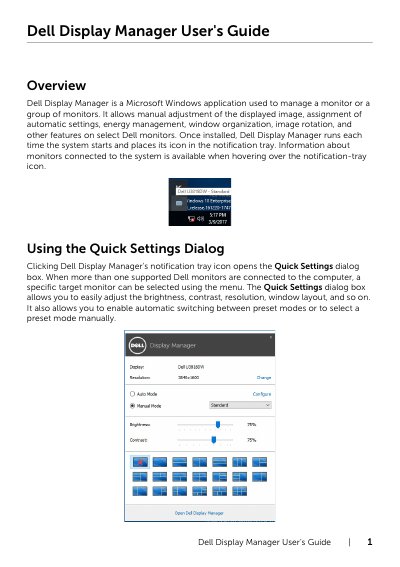
Dell Display Manager is a Microsoft Windows application used to manage a monitor or a group of monitors. It runs at system startup and places an icon in the notification tray, where information about connected monitors appears on hover.
The guide covers the Quick Settings dialog, basic display functions, preset mode assignment, Easy Arrange window layouts, multiple video input management, PIP/PBP modes, USB device sharing, energy conservation options, and troubleshooting steps for supported Dell monitors.
| Operating system | Microsoft Windows |
|---|---|
| Supported monitors | Dell branded monitors |
It is a Microsoft Windows application used to manage a monitor or a group of monitors.
No, DDM only works with Dell branded monitors and does not support monitors from other manufacturers.
You can define shortcut keys to switch to a favorite input or between two inputs.