
The Dell™ Latitude™ C540/C640 User's Guide provides information on the features and operation of your computer. For information on other documentation included with your computer, see "Finding Information".
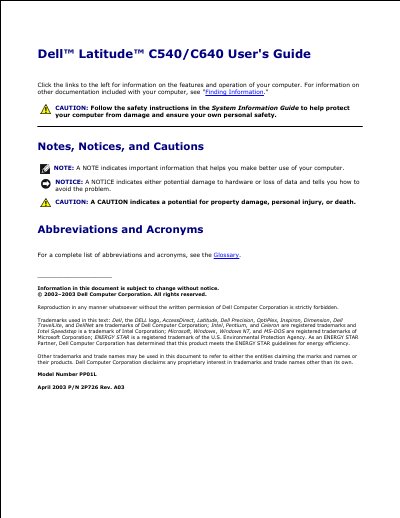
This Dell User's Guide describes the features and operation of the Dell Latitude C540/C640 computer. It includes safety notices, information on finding documentation, using Microsoft Windows, using devices, the Drivers and Utilities CD, fixing problems, and installing parts.
The guide also shows front, left, right, back, and bottom views of the computer, explains controls such as the display latch, keyboard, touch pad, track stick, and power button, and provides procedures for adding memory and PC cards plus specifications.
| Microprocessor types | Intel Mobile Pentium 4M or Intel Celeron processor |
|---|---|
| L1 cache | 8 KB (internal) |
| L2 cache | 512 KB (on die) |
| External bus frequency | 400 MHz |
| System chip set | Intel 845MP |
| Data bus width | 64 bits |
| PC Card connector | two (supports two Type I or Type II cards or one Type III card) |
| Cards supported | 3.3 V and 5 V |
It uses Intel Mobile Pentium 4M or Intel Celeron processors.
Press and hold the power button until the computer turns off completely.
The slot supports two Type I or Type II cards or one Type III card.
Users can access the Dell Support website at support.dell.com.