
This guide describes how to set up and use a Lenovo laptop.
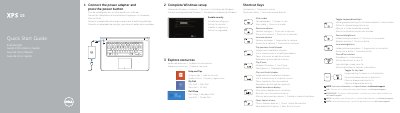
This two-page quick start guide is for the Dell XPS 9530 computer (regulatory model P31F/P31F001). It gives the first steps: connect the power adapter, press the power button, complete Windows setup, enable security, and explore resources.
The guide also lists shortcut keys for audio, volume, playback, display switching, search, keyboard backlight, brightness, wireless, and Fn-key lock. It identifies features and ports such as USB, media-card reader, NFC-sensor area, headset, Mini DisplayPort, HDMI, power-adapter port, and power button, and gives Dell support and contact links.
| Computer model | XPS 9530 |
|---|---|
| Regulatory model and type | P31F P31F001 |
| Input voltage | 100 VAC–240 VAC |
| Input current (maximum) | 1.80 A |
| Input frequency | 50 Hz–60 Hz |
| Output current | 6.67 A |
| Output voltage | 19.50 VDC |
Connect the power adapter and press the power button.
The guide lists the computer model as XPS 9530.
The guide points to Specifications at dell.com/support.