
This document describes the features and functions of the Dell printer.
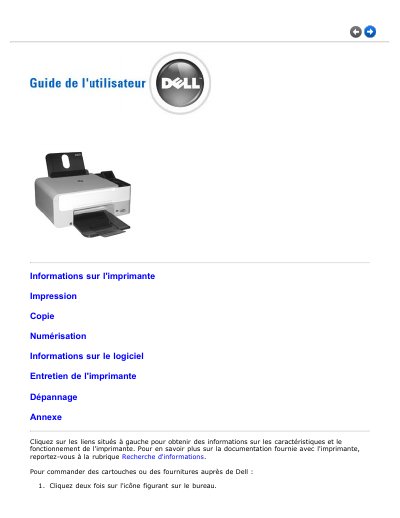
This French-language guide covers the Dell Photo All-In-One Printer 928, an inkjet printer with a color scanner that can print, scan, and copy documents and images in black and white or color. It explains the printer parts, control panel, language settings, installation information, and supported Windows versions.
The document also introduces the Dell All-In-One Center software, printing from PictBridge cameras or memory cards, ink cartridge replacement, maintenance, troubleshooting, and ordering Dell supplies through the Dell website or by telephone. This manual is written in French.
| Printing technology | Inkjet |
|---|---|
| Functions | Print, scan, and copy in black and white or color |
| Scanner | Color scanner |
| Direct photo printing | From a compatible PictBridge camera connected to the printer USB port |
| Memory card support | Memory card slots for digital images |
It can print, scan, and copy documents and images in black and white or color.
Yes, the printer can print directly from a compatible PictBridge camera connected to its USB port.
In the main menu, press and hold the Menu button for at least 10 seconds until the confirmation message appears.
Windows 2000 with Service Pack 4 is supported.