
The Dell™ IN1720/IN1920 Flat Panel Monitor User's Guide provides information on setting up, using, and troubleshooting your monitor.
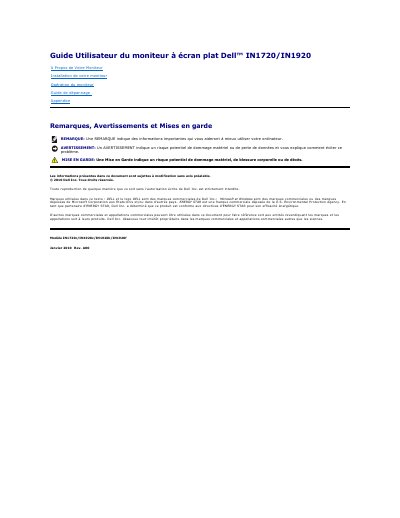
This document is the French user's guide for the Dell IN1720 and IN1920 flat panel monitors. It details the contents of the packaging, identifies the monitor parts and controls, and explains how to install and operate the device. The guide also includes troubleshooting steps and an appendix with safety information. This manual is written in French.
| Screen Size (IN1720) | 17 inches (433.0 mm) |
|---|---|
| Screen Size (IN1920) | 18.5 inches (470.0 mm) |
| Resolution (IN1720) | 1440 x 900 |
| Resolution (IN1920) | 1366 x 768 |
| Response Time (IN1720) | 8ms typique |
| Power Consumption (Normal Mode) | 20 W (typique) / 25 W (maximum) |
| Power Consumption (Standby Mode) | Less than 2 W |
| Power Input | 100 to 240 Vc.a./50 ou 60 Hz |
You can use a security lock with the security slot to attach or secure your monitor.
Yes, the monitor has VESA mounting holes with a 100 mm spacing and a removable stand.