
This document describes how to set up and operate a Dell™ computer.
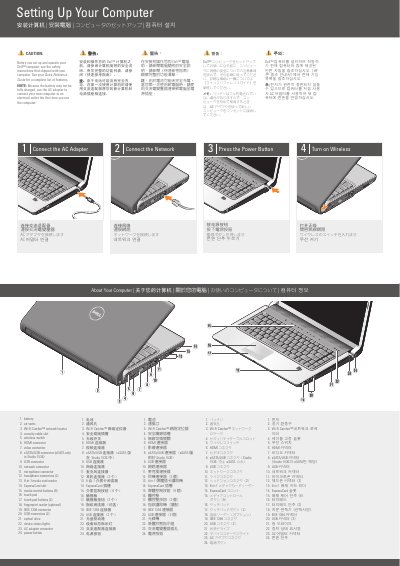
The Dell Studio 1536 Setup and Operation Guide provides essential instructions for the initial configuration of the computer. It details the necessary steps to connect the AC adapter, establish a network connection, and power on the device.
The document includes a comprehensive layout of the computer's physical interfaces, identifying various ports such as HDMI, USB, eSATA, and the Wi-Fi Catcher network locator.
| Media Card Reader | 8-in-1 |
|---|---|
| Optical Drive | Included |
Use the AC adapter to connect the computer to an electrical outlet because the battery may not be fully charged.
Use the AC adapter to connect your new computer to an electrical outlet.
The eSATA/USB connector is eSATA only in the Studio 1536.
The computer has 2 headphone connectors.