
Dell™ PowerVault™ Data Protection Solutions Quick Reference Guide Overview This document is designed to help you quickly find information about your Dell™ PowerVault™ Data Protection Solution.
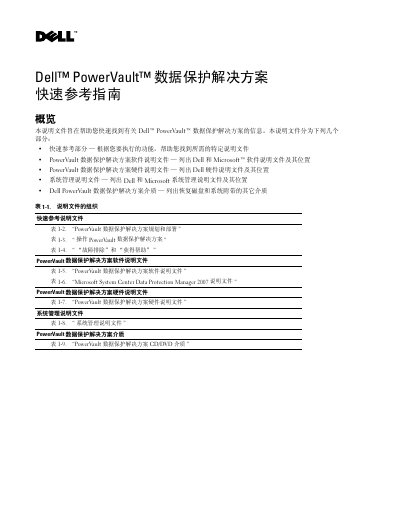
This quick reference guide is intended to help you quickly find information about the Dell PowerVault data protection solution. It is organized into a quick reference section, the PowerVault data protection solution software documentation, the hardware documentation, the system management documentation, and the media supplied with the system.
The quick reference tables map what you want to do - plan and deploy, operate the solution, or troubleshoot and get help - to the document that covers it, including the Quick Start Guide, Installation Diagram, Reference Guide, Storage Expansion Guide, System Recovery Guide, Support Matrix and Information Update, as well as Microsoft System Center Data Protection Manager 2007 documentation. Most Dell documents are located at support.dell.com, while the DPM 2007 documents are on technet.microsoft.com. This manual is written in Chinese.
Log on to support.dell.com or contact your Dell support representative.
See the PowerVault data protection solution Storage Expansion Guide, which covers expanding disk storage and adding tape libraries.
The Dell OpenManage Server Administrator User Guide.
See the Dell PowerVault data protection solution System Recovery Guide, which provides instructions for recovering from hardware or software failures.