
Dell Data Protection and Recovery Products for Mid-Market

A step-by-step guide to data protection for mid-size organizations.
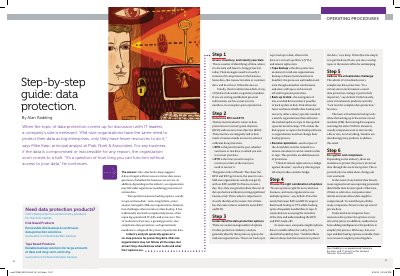

Dell Data Protection and Recovery Products for Mid-Market - cover page
Brand
DELL
Category
Storage
Document type
User Manual
Language
English
Pages
1
File format
PDF
File size
120 KB
Published
25 November, 2023
Updated
25 November, 2023
MD5 checksum
66B9B475FCD234501EE89535BE689F8D

About this manual

This guide outlines six steps for data protection, including assessing data, setting RPO/RTO, choosing backup methods, and handling virtualization. It highlights Dell’s disk and tape backup products as affordable solutions for mid-market businesses. Encryption and compliance are also addressed for regulatory requirements.

What's inside

  • Assess, Inventory, and Classify Your Data
  • Determine RPO and RTO
  • Understand Data Protection Options
  • Choose the Right Combination of Options
  • Address the Virtualization Challenge
  • Encryption and Compliance

Frequently asked questions

What are RPO and RTO in data protection?

RPO is the point in the past to which you aim to recover your data; RTO is the time you accept to restore your data.

What backup options are recommended for mid-size businesses?

Tape backup, disk backup (including VTL), and remote replication are recommended options.

How does virtualization affect data protection?

Virtualization complicates data protection because basic tools back up entire VMs, not individual files, and some products lack complete data protection tools.

Download PDF (120 KB)

More DELL Manuals


View all DELL manuals →