
Dell Display Manager is a Windows application used to manage one or more monitors.
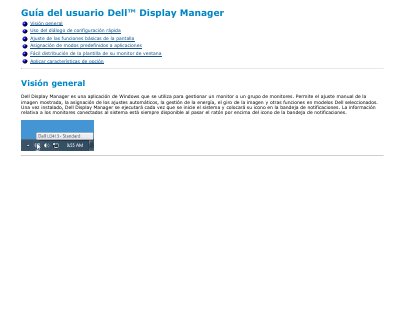
This is the Spanish user guide for Dell Display Manager, a Windows application used to manage one monitor or a group of monitors. It describes manual adjustment of the displayed image, assignment of automatic settings, power management, image rotation and other features on selected Dell models. Once installed, the application starts with the system and places its icon in the notification tray.
The guide walks through the quick settings dialog, the Basic tab for preset modes, brightness and contrast, the Auto Mode tab for linking preset modes to applications, the Easy Arrange tab for window layout templates, and the Options tab with the PowerNap and Smart Video Enhance features on supported Dell models. This manual is written in Spanish.
| Operating system | Windows |
|---|---|
| Startup behavior | Runs each time the system starts; icon in notification tray |
| Smart Video Enhance modes | Película, Avanzado |
| Power saving options | PowerNap |
It is a Windows application used to manage one monitor or a group of monitors, allowing manual image adjustment, automatic settings, power management and image rotation on selected Dell models.
Click the Dell Display Manager icon in the notification tray. If more than one supported Dell model is connected, you can pick the target monitor from the menu provided there.
Auto Mode applies your favorite preset mode automatically when specific applications are active. It is set up on the Auto Mode tab, where a preset mode can be linked to a given application.
On Dell models that support it, the Easy Arrange tab lets you organize window layout options for that monitor; dragging windows into each zone places and positions them automatically.