
The Dell™ E-Port Plus User’s Guide provides information on how to set up and use the E-Port Plus.
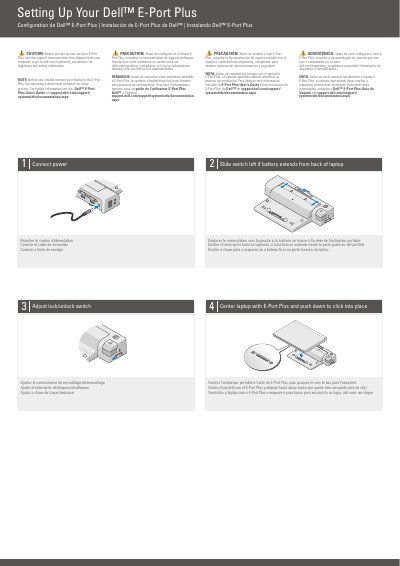
This document serves as a quick setup guide for the Dell E-Port Plus docking station. It outlines the initial configuration steps, including connecting power and centering the laptop on the dock until it clicks into place. Users are advised to consult the main support documentation for regulatory and safety information before use.
The operating system must complete its setup process.
Slide the switch to the left.
2
E-Monitor Stand connector.