
The Dell™ Studio XPS™ 1640 Service Manual provides information on how to service and maintain your Dell™ Studio XPS™ 1640 laptop.
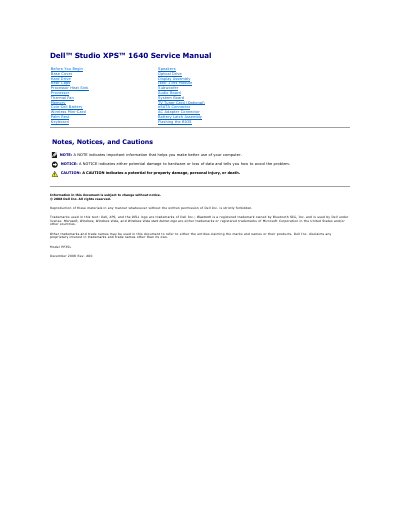
This Dell service manual for the Studio XPS 1640 computer gives removal and replacement procedures for major hardware components. It starts with the base cover, hard drive, processor heat sink and thermal fan, memory, coin-cell battery, wireless mini-card, palm rest, keyboard, speakers, and optical drive.
Later sections cover the display assembly, IEEE 1394 module, subwoofer, audio board, system board, optional TV tuner card, eSATA connector, AC adapter connector, and battery latch assembly, followed by instructions for flashing the BIOS.
| Regulatory model | PP35L |
|---|
The base cover is secured by ten captive screws.
Read the safety information that shipped with the computer.
Replace all screws and ensure that no stray screws remain inside the computer.
At the Regulatory Compliance Homepage, www.dell.com/regulatory_compliance.