
The Dell Storage NX430 System Getting Started Guide provides information on how to set up and use the Dell Storage NX430 system.
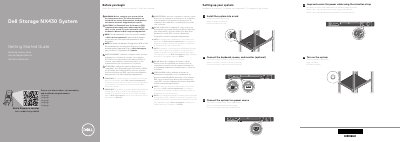
The Dell Storage NX430 System Getting Started Guide provides essential instructions for setting up the system, including rack installation and power connection. It also outlines the default system configuration and safety requirements.
The document includes technical specifications for the power supply units, system battery, and operating temperature limits to ensure proper deployment and maintenance.
| PSU Wattage | 350 W (Platinum) |
|---|---|
| PSU Intended use | 100–240 V AC |
| System battery | 3 V CR2032 lithium coin cell |
| Maximum operation ambient temperature | 35°C (95°F) |
The default password for the NAS system is Stor@ge!.
Windows Storage Server 2016 or 2012 R2 is installed on the system at the Dell factory by default.