
The document provides instructions on how to set up and operate a Dell computer, including safety instructions, a quick reference guide, and the location of connectors.
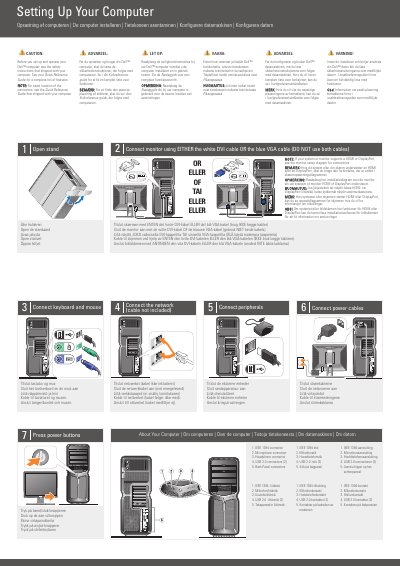
This Dell setup guide covers initial setup for the Dell XPS 730/730X desktop computer. It includes safety instructions and refers to the Quick Reference Guide for a complete feature list and exact connector locations.
The guide shows how to connect the keyboard and mouse, network cable, peripherals, and power cables, then press the power buttons. It also covers monitor connection using either DVI or VGA, optional wireless network setup, and where to find answers at support.dell.com.
| IEEE 1394 connector | 1 |
|---|---|
| Microphone connector | 1 |
| Headphone connector | 1 |
| USB 2.0 connectors | 2 |
Use either the white DVI cable or the blue VGA cable, but do not use both cables.
See the Quick Reference Guide, or go to support.dell.com if you do not have a printed copy.
Yes, the wireless network is described as optional.