
Dell IE600 Headset Quick Start Guide Features
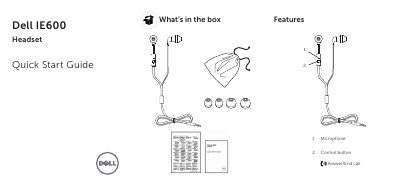
This Quick Start Guide from Dell covers the IE600 headset. It lists what is included in the box (headset and Quick Start Guide) and describes the headset's features, including the microphone and the control button used to answer or end calls.
The guide explains how to plug in the headset and select it in the device-selection window, and how to enable the auto pop-up dialog through Dell Audio in Windows. It notes that Dell Audio is required for the headset control button to work with your computer, and refers users to the User's Guide at dell.com/support/manuals for more information.
The control button is used to answer or end a call.
Dell Audio is required for the headset control button to work with your computer.
In Windows search, type Dell Audio, click Advanced, click Jack Information, and enable the auto pop-up dialog. Then plug in the headset and select Headset in the device-selection window.