
The Dell EMC NX440 System is a high-performance, scalable network-attached storage (NAS) solution designed for small and medium-sized businesses and remote offices. It provides a simple, easy-to-use platform for storing and managing files, applications, and data.
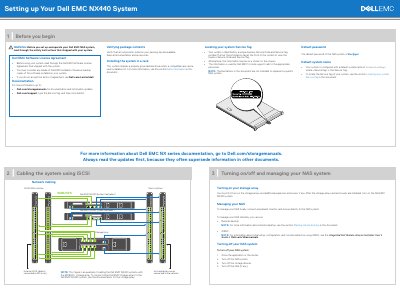
The Dell EMC NX440 NAS system setup guide explains how to prepare, rack, cable, and initially configure the system. It covers verifying package contents, installing the system in a rack, locating the Service Tag, and turning the storage array and NAS system on and off.
The guide also describes local and remote NAS management using Remote Desktop or iDRAC, initial configuration in Windows Storage Server 2016, and monitoring through Dell EMC OpenManage Server Administrator. It lists related Dell EMC documentation and support links.
| Default password | Stor@ge! |
|---|---|
| Default system name | D |
| Remote management port | 1311 |
The default password is Stor@ge!.
Pull out the information tag at the front of the system, or check the sticker on the chassis.
You can use Remote Desktop or iDRAC for remote management.
Connect to the secure port 1311 of the NAS system.