
The Dell EMC PowerEdge R440 Getting Started Guide describes the features and characteristics of the product.
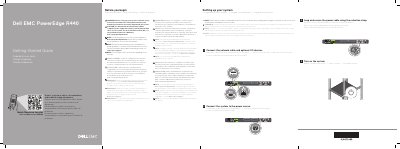
This guide helps you set up your Dell PowerEdge R440 server. It covers safety precautions, power and network connections, and system configuration. Always check Dell.com/poweredgemanuals for the latest updates. The guide includes multilingual instructions and warnings for hardware safety and EPP-compliant power supplies.
| Power | 550 W Platinum AC 100–240 V, 50/60 Hz, 7.4 A–3.7 A |
|---|---|
| Power | 450 W Bronze AC 100–240 V, 50/60 Hz, 6.5 A–3.5 A |
| System Battery | 3 V CR2032 lithium coin cell |
| Temperature | Maximum ambient temperature for continuous operation is 35°C/95°F |
Use EPP-compliant power supply units (PSUs), indicated by the EPP label.
Check Dell.com/poweredgemanuals for the latest updates.
The maximum ambient temperature for continuous operation is 35°C/95°F.