
Dell Display Manager is a Microsoft Windows application used to manage one or more monitors.
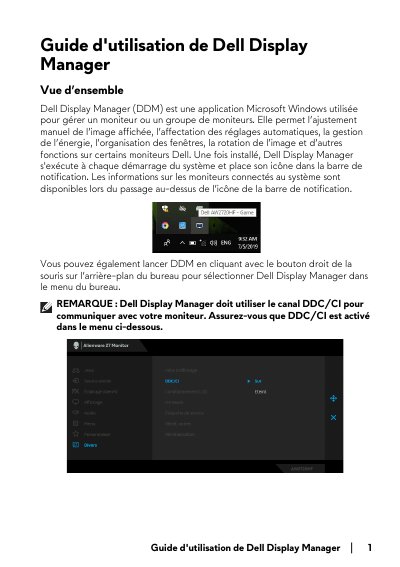
This user guide covers Dell Display Manager (DDM), a Microsoft Windows application for managing one monitor or a group of monitors. It describes image adjustment, automatic setting assignment, power management, window organization, image rotation, and other functions on some Dell monitors. DDM runs at system startup and places an icon in the notification bar.
The guide explains the Quick Settings dialog, Basic and Auto Mode tabs, Easy Arrange, Input Manager, restoring application positions, and the Options tab with PowerNap energy-saving options. It also covers attaching DDM to active windows and troubleshooting when DDM cannot work with a monitor. This manual is written in French.
| Supported operating system | Microsoft Windows |
|---|---|
| Monitor communication channel | DDC/CI |
It is a Microsoft Windows application used to manage one monitor or a group of monitors, including image adjustment, automatic settings, power management, and window organization.
DDC/CI must be enabled; DDM uses the DDC/CI channel to communicate with the monitor.
Yes. The Auto Mode tab lets you associate a specific preset mode with a specific application and apply it automatically.
No. DDM restores window positions, but it does not launch applications; applications must remain running.