
The Dell 3465dn-dnf Laser Multifunction Printer User's Guide describes the features and functions of the printer.
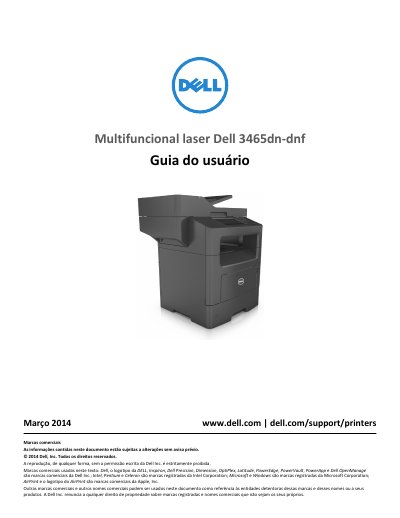
This user guide covers the Dell 3465dn-dnf laser multifunction printer. It starts with safety information and printer information, then describes printer setup, the embedded web server, scanner functions, and the control panel.
The guide also covers loading paper and specialty media, printing, copying, sending email, faxing, scanning, printer menus, maintenance, and troubleshooting. This manual is written in Portuguese.
| Printing technology | Laser |
|---|---|
| Weight | More than 18 kg (40 lb) |
| Telephone cable | 26 AWG or larger (RJ-11) |
Yes. The guide states that the product uses a laser and warns about radiation exposure if controls or procedures are changed.
Two or more people are required because the printer weighs more than 18 kg (40 lb).
No. The guide says the lithium battery should not be replaced and warns of explosion risk if it is replaced incorrectly.
Disconnect the power cable from the outlet and all cables from the printer before cleaning.