
Dell EMC PowerEdge R6415 Server Getting Started Guide, including how to set up the system, install the operating system, and configure RAID.
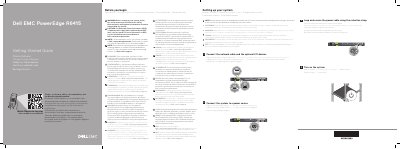
The Dell EMC PowerEdge R6415 Getting Started Guide provides the initial setup steps for the server. It shows how to connect the network cable and optional I/O devices, connect the system to a power source, secure the power cable with the retention strap, and turn on the system.
The guide also includes safety warnings about using Extended Power Performance (EPP) compliant power supply units and notes that the operating system should be installed before adding hardware or software not purchased with the system. It points to Dell.com/poweredgemanuals for the full documentation set and to Dell.com/ossupport for supported operating systems.
Follow the safety instructions included in the Safety, Environmental, and Regulatory Information document shipped with the system.
Use Extended Power Performance (EPP) compliant power supply units, indicated by the EPP label.
The documentation set for your system is available at Dell.com/poweredgemanuals.
Scan the Quick Resource Locator code or visit Dell.com/QRL/Server/PER6415.