
Dell Latitude 5580 Quick Start Guide
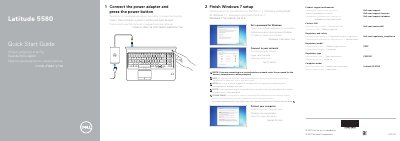
This is the Dell Latitude 5580 Quick Start Guide. It gives the initial setup steps: connect the power adapter and press the power button, finish Windows 7 setup, set a Windows password, connect to a network, and protect the computer. It also lists product support and manuals links, Dell contact information, and regulatory and safety information.
The guide identifies the computer model as Latitude 15-5580 and lists features such as network, HDMI, USB 3.0, VGA, and power connector ports; dual array microphones; power button; touchpad; speakers; SD card reader; service tag label; and optional items including IR camera, fingerprint reader, smart card reader, pointstick, uSIM card slot, and Thunderbolt 3. The text is presented in several languages.
| Model | Latitude 5580 |
|---|---|
| Computer model | Latitude 15-5580 |
| Regulatory model | P60F |
| Regulatory type | P60F001 |
Connect the power adapter and press the power button, then finish Windows 7 setup.
Enter the password for the wireless network access when prompted.
Dell provides product support and manuals at Dell.com/support and Dell.com/support/manuals.