
The Dell Display Manager User Guide introduces the Dell Display Manager as an application for Microsoft Windows used to manage one or more monitors.
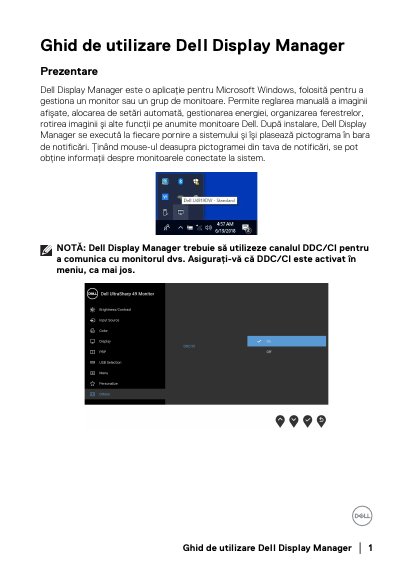
Dell Display Manager is a Microsoft Windows application used to manage a Dell monitor or a group of Dell monitors. It allows manual image adjustment, automatic preset assignment, power management, window organization, image rotation, and other functions on supported Dell monitors.
After installation, it runs at system startup and places an icon in the notification area. The guide covers quick settings, basic functions, Auto Mode, Easy Arrange, multiple video inputs, application position restoration, power saving, and troubleshooting.
| Operating system | Microsoft Windows |
|---|---|
| Supported monitors | Dell monitors |
| Monitor communication | DDC/CI |
| PBP modes | Off and PBP |
Dell Display Manager works only with Dell-branded monitors.
DDC/CI must be enabled in the monitor menu.
Drag the application from the desktop, Start menu, or another location and drop it into the current list.
Check the video cable connection, enable DDC/CI, install the latest display driver, remove docks or converters, and restart the system.