
The D-Link DWA-132 Wireless N USB Adapter is a compact and portable wireless network adapter that can easily connect to any wireless network. It supports the latest Wireless N technology, which can provide transmission speeds of up to 300Mbps. In addition, it also supports multiple security protocols to ensure data security.
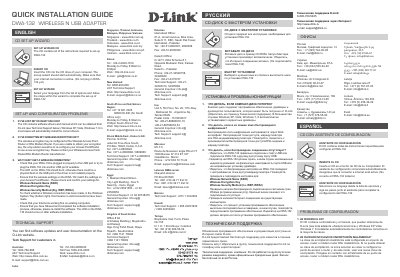
The D-Link DWA-132 Wireless N USB Adapter is a network device designed for wireless connectivity. This guide provides instructions for using the Set-Up Wizard CD and troubleshooting common connection issues.
Installation is primarily handled via a provided CD, although Windows XP, Vista, 7, and 8 may automatically install the necessary drivers in most cases.
The key is configured at the Access Point, Router, or DSL Modem Router; if lost, you must re-configure the device with a new key.
The CD contains software drivers and manual that can be obtained from D-Link. Windows XP, Vista, Windows 7, 8 in most cases will automatically install the correct drivers.
Red means no valid connections have been made.
Insert the CD into the CD drive of your computer; the set-up wizard should start automatically.