
Dell Latitude 12 7000 Series Quick Start Guide

Dell Latitude 12 7000 Series Quick Start Guide
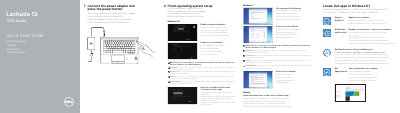

Dell Latitude 12 7000 Series Quick Start Guide - cover page
Brand
DELL
Category
Laptops
Document type
Quick Start Guide
Language
English
Pages
2
File format
PDF
File size
433 KB
Published
25 November, 2023
Updated
25 November, 2023
MD5 checksum
7E938548ABD947C2895FAA98EABC55CA

About this manual

The Dell Latitude 12 7000 Series Quick Start Guide provides essential instructions for setting up the device, including connecting power, configuring the operating system, and connecting to a network.

It also includes a detailed map of the hardware features, identifying ports, connectors, and indicator lights for both touchscreen and non-touchscreen models.

What's inside

  • Connect the power adapter
  • Locate Dell apps in Windows 8.1
  • Finish operating system setup
  • Connect to your network
  • Features

Frequently asked questions

How do I start the computer?

Connect the power adapter and press the power button.

What should I do if I connect to a secured wireless network?

Enter the password for the wireless network access when prompted.

Download PDF (433 KB)

More DELL Manuals


View all DELL manuals →