
Dell Latitude 3380 Quick Start Guide

The Dell Latitude 3380 Quick Start Guide provides information on how to set up and use the Dell Latitude 3380 laptop.
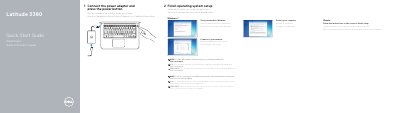

Dell Latitude 3380 Quick Start Guide - cover page
Brand
DELL
Category
Laptops
Document type
Quick Start Guide
Language
English
Pages
2
File format
PDF
File size
606 KB
Published
25 November, 2023
Updated
25 November, 2023
MD5 checksum
BBD1B2879435D782A5A80C7934CFF555

About this manual

This guide helps you set up your Dell Latitude 3380 laptop quickly. It includes steps to connect to your network, set a Windows password, and complete OS setup. The guide also lists hardware features like USB ports, HDMI, camera, and microSD card reader.

For full support, visit Dell.com/support. The guide covers both Windows and Ubuntu setup, with multilingual instructions in English, Dutch, and French.

What's inside

  • Set a password for Windows
  • Connect to your network
  • Finish operating system setup
  • Features
  • Product support and manuals
  • Regulatory and safety

Frequently asked questions

What should you do to finish operating system setup?

Connect the power adapter and press the power button.

What should you do if you are connecting to a secured wireless network?

Enter the password for the wireless network access when prompted.

What type of card reader does the computer have?

It has a microSD card reader.

What kind of lock slot does the computer have?

It has a Noble Wedge lock slot.

Download PDF (606 KB)

More DELL Manuals


View all DELL manuals →