
The Dell EMC XC640 Hyper-Converged Appliance Getting Started Guide describes how to set up, configure, and manage the appliance.
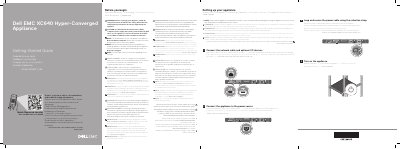
The Dell EMC XC640 Hyper-Converged Appliance Getting Started Guide provides essential instructions for the initial setup of the appliance. It emphasizes safety precautions and the use of specific power supply units.
The guide outlines the basic physical setup process, including connecting the appliance to power and network sources, and turning on the device.
Use Extended Power Performance (EPP) compliant power supply units (PSUs), which are identified by an EPP label.
The operating system must be installed before any hardware or software not purchased with the appliance is installed.