
The Dell Wyse Cloud Client Wyse 3030 LT Quick Start Guide provides information on how to install and use the Dell Wyse Cloud Client Wyse 3030 LT.
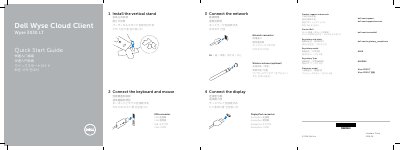
This quick start guide for the Dell Wyse 3030 LT cloud client shows how to install the vertical stand, connect the keyboard and mouse, connect the network and display, and connect power. It also explains how to turn on the client device and display.
The guide identifies the client's ports and features, including USB, DisplayPort, network, power adapter, headset, wireless antenna, and lock connections. It lists Dell support, contact, and regulatory and safety links, and includes a Taiwan RoHS table.
| Network port | 10/100/1000 Base-T |
|---|---|
| USB 3.0 port | 1 |
| USB 2.0 port | USB 2.0 port (2x) |
| Power adapter input | +12V |
| Wireless antenna port | Optional |
It has a 10/100/1000 Base-T network port.
The client device is ready when its activity light goes off.
The client device uses a +12V power adapter input.