
The Dell EMC XC740xd XC Series Appliance and XC Core System Getting Started Guide provides information on how to set up and use the Dell EMC XC740xd XC Series Appliance and XC Core System.
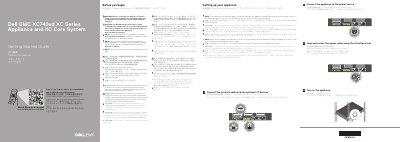
This Dell EMC XC740xd XC Series Appliance and XC Core System Getting Started Guide helps you set up the appliance. It provides a Quick Resource Locator (Dell.com/QRL/XCSeries/XC740xd) for how-to videos, documentation, and troubleshooting information.
Before setup, review the safety, environmental, and regulatory instructions. Use EPP-compliant power supply units, connect the network cable and optional I/O devices, attach and secure the power cable, then turn on the appliance. The full documentation set is available at Dell.com/XCSeriesmanuals.
It is available at Dell.com/XCSeriesmanuals.
Use Extended Power Performance (EPP) compliant power supply units indicated by the EPP label.
The operating system must be installed first.
Scan the Quick Resource Locator at Dell.com/QRL/XCSeries/XC740xd.