
The Dell PowerConnect W-AP90 Series Access Points are high-performance WLAN IEEE 802.11n standard single radio, dual band wireless access points. These access points use MIMO (Multiple-in, Multiple-out) technology and other high throughput mode technologies to provide high-performance 802.11n 2.4 GHz or 5GHz capabilities while supporting legacy 802.11a/b/g wireless services. The W-AP90 Series Access Points operate only when used with a Dell Controller.
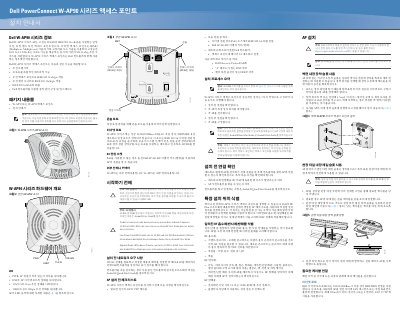
This Korean installation guide describes the Dell PowerConnect W-AP90 series access points, single-radio dual-band devices that operate on the IEEE 802.11n standard and also support 802.11a/b/g service. The guide states that the access points work only when used together with a Dell controller, and lists the package contents, LED indicators, console port, Ethernet port, DC power socket and external antenna connectors (W-AP92 only; the W-AP93 has internal antennas).
The document walks through pre-installation checks, the five-step installation process, identifying installation locations and known RF absorbers, reflectors and obstructions, wall mounting with the keyhole slots, ceiling tile rail mounting, and the cable connections needed. It points readers to the ArubaOS Quick Start Guide and ArubaOS User Guide for controller installation and AP configuration details. This manual is written in Korean.
| Wireless standard | IEEE 802.11a/b/g/n; high-throughput 802.11n operation in 2.4 GHz or 5 GHz |
|---|---|
| Ethernet port | One 10/100/1000Base-T (RJ-45) auto-sensing MDI/MDX port |
| Optional power supply | Dell AP AC-DC adapter kit (sold separately) |
| Power input marking | 12V 1.25A |
| Wall mount screw spacing | 4.7 cm (1 7/8 in) apart |
| Cable | 4 or 8 conductor CAT 5 UTP, up to 100 m (325 ft) |
It can be powered by IEEE 802.3af PoE from a PSE or PoE-capable network infrastructure, or by the optional Dell AP AC-DC adapter kit when PoE is not available.
The W-AP92 is for external antennas, while the W-AP93 uses internal antennas.
Install the two screws 4.7 cm (1 7/8 in) apart on the wall or shelf.