
The Dell Latitude 15 3000 Series Quick Start Guide provides instructions on how to connect the power adapter, finish operating system setup, enable security and updates, and connect to a network.
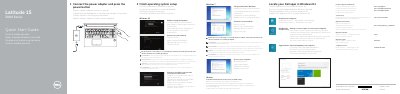
This guide helps you quickly connect your Dell Latitude 15 3000 Series laptop to power, set up the operating system, connect to a network, and sign in to your Microsoft account. It also lists hardware features and provides links to full support resources.
The guide includes multilingual headings and step-by-step instructions for basic setup, including security and updates, network connection, and Windows 8.1 setup. It references the full Owner’s Manual for more detailed information. This manual is written in Czech.
Enter the password for the wireless network access when prompted.
Sign in to your Microsoft account or create a local account.
See Owner’s Manual at dell.com/support/manuals.