
The Dell Precision Mobile Workstation 7000 Series Quick Start Guide provides information on how to set up and use your Dell Precision Mobile Workstation 7000 Series laptop.
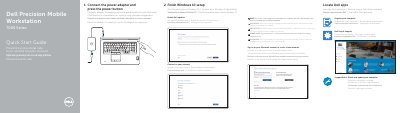
This quick start guide covers initial setup of the Dell Precision Mobile Workstation 7000 Series, including connecting the power adapter, completing Windows 10 setup, enabling Dell updates, connecting to a network, and signing in to a Microsoft or local account.
It also provides a labeled features diagram identifying ports, connectors, lights, and optional components, along with SupportAssist, registration, Dell help and support, and regulatory information.
| Computer model | Dell Precision 7710 |
|---|---|
| Optional features | Camera, fingerprint reader, contactless smartcard reader, smartcard reader, USB-C connector |
Enter the password for the wireless network access when prompted.
Use SupportAssist to check and update your computer.
Product support and manuals are available through Dell's support pages.