
The Dell Display Manager User Guide introduces the Dell Display Manager as an application for Microsoft Windows used to manage one or more monitors. It allows you to manually adjust the displayed image, automatically assign settings, manage power, organize windows, rotate the image, and perform other functions on certain Dell monitors.
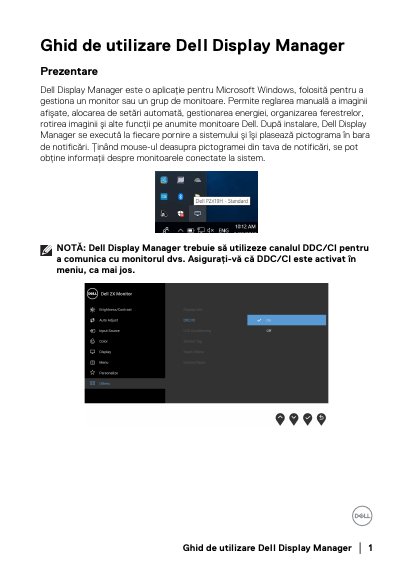
This Romanian user guide covers Dell Display Manager, a Microsoft Windows application for managing one or more Dell monitors. After installation, the application runs at system startup and places an icon in the notification area, where users can view information about connected monitors.
The guide describes the Quick Settings dialog, basic picture adjustments, Auto Mode presets, Easy Arrange window organization for P2419H and P2719H monitors, Input Manager for multiple video inputs, window layout restore, PowerNap energy-saving options, and troubleshooting steps for supported Dell P2219H, P2319H, P2419H, and P2719H monitors.
| Compatible monitors | P2219H, P2319H, P2419H, P2719H |
|---|---|
| Operating system | Microsoft Windows |
| Communication interface | DDC/CI |
Dell Display Manager works only with Dell monitors and is not compatible with monitors from other manufacturers.
Check the video cable connection, make sure DDC/CI is enabled in the monitor OSD menu, install the latest graphics driver, remove any docking stations or adapters, and restart the system.