
Dell W4200 42-inch Plasma TV Setup Guide

The Dell™ W4200 42-inch plasma TV is a high-quality television product with the following features:
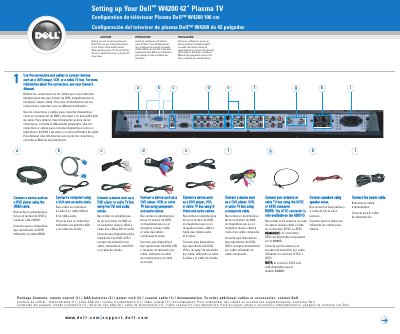

Dell W4200 42-inch Plasma TV Setup Guide - cover page
Brand
DELL
Category
Television
Document type
Quick Start Guide
Language
English
Pages
2
File format
PDF
File size
6.2 MB
Published
25 November, 2023
Updated
25 November, 2023
Model
W4200
MD5 checksum
AC27F97B7E8FE29A6777F417286E9962

About this manual

This two-page setup guide for the Dell W4200 42-inch plasma TV shows the package contents and explains how to connect power, audio/video sources, and speakers. It then covers installing remote-control batteries, powering on the TV, and selecting the correct input source.

The guide also lists the input-source labels, explains how to access the on-screen display, and describes presetting viewable channels for NTSC or ATSC inputs. It notes that the ATSC connector is available only on the W4200HD model.

What's inside

  • Package contents
  • Connecting power and source devices
  • Connecting speakers
  • Installing remote control batteries
  • Powering on and selecting input
  • Input source list
  • On-screen display (OSD)
  • Presetting viewable channels
  • Additional setup tips

Specifications

Screen size42 inches

Frequently asked questions

What is included in the package?

The package includes a remote control, two AAA batteries, a power cord, a coaxial cable, and documentation.

How do I access the on-screen display (OSD)?

Press Menu on the remote control.

Which input source should I select for an HDMI connection?

Select HDMI — HDMI connector.

What should I do if I ordered speakers?

Connect the speakers to the TV; to order speakers, contact Dell.

Download PDF (6.2 MB)

More DELL Manuals


View all DELL manuals →