
Dell Vostro 15 7570 Quick Start Guide
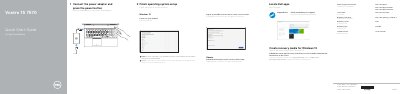
This guide describes the initial setup of the Dell Vostro 15-7570, including connecting the power adapter, finishing Windows 10 or Ubuntu setup, connecting to a network, signing in to a Microsoft account or creating a local account, locating Dell apps, using SupportAssist, and creating Windows 10 recovery media.
It also lists the computer's features, ports, connectors and service tag label, along with shortcut keys for audio, display, brightness, wireless and keyboard backlight control.
In Windows search, type Recovery, click Create a recovery media, and follow the instructions on the screen.
Enter the password for the wireless network access when prompted.
See the Owner's Manual at Dell.com/support/manuals.
Download the Dell Power Manager (DPM 3.0) from Dell.com/support.