
Dell Latitude 14 7000 Series Notebook Quick Start Guide.
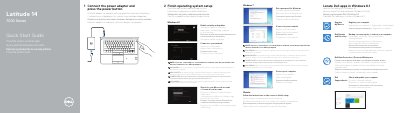
This quick start guide covers initial setup for the Dell Latitude 14 7000 Series notebook (Latitude 14-7470/E7470). It describes connecting the power adapter, pressing the power button, locating Dell apps in Windows 8.1, and finishing operating system setup.
The guide also lists the notebook features and right and left views, including ports, controls, indicators, and optional readers, along with links for product support, manuals, and regulatory information.
| Computer model | Latitude 14-7470/E7470 |
|---|---|
| Regulatory model | P61G |
| Regulatory type | P61G001 |
| USB 3.0 connectors | 2 |
| Operating system | Windows 8.1 |
Connect the power adapter and press the power button.
The guide lists Register My Device, Dell Backup and Recovery, Dell Data Protection | Protected Workspace, and Dell SupportAssist.
Enable security and updates, connect to your network, and sign in to your Microsoft account or create a local account.
The feature list includes a network connector, HDMI connector, Mini DisplayPort, USB 3.0 connectors, power connector, headset connector, and dock connector.