
The Dell Latitude 14 7000 Series Notebook Quick Start Guide.
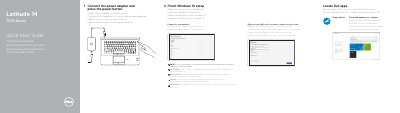
This guide helps you set up your Dell Latitude 14 7000 Series notebook. Connect the power adapter and press the power button to start. Follow prompts to finish Windows 10 setup, connect to your network, and sign in to your Microsoft account or create a local account.
The notebook features a network connector, HDMI, Mini DisplayPort, USB 3.0 ports, camera, speakers, touchpad, and optional fingerprint reader or smart card reader. Check the service tag label for support and regulatory information.
| Computer model | Latitude 14-7470/E7470 |
|---|---|
| Regulatory model | P61G |
| Regulatory type | P61G001 |
Connect to your network by entering the password for the wireless network access when prompted.
Connect the power adapter and press the power button.
Locate the Dell apps, check and update the computer, connect to a network, and sign in to your Microsoft account or create a local account.
Enter the password for wireless network access when prompted.