
Dell Inspiron 15 7000 Series Notebook Quick Start Guide.
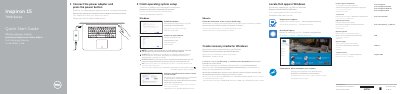
This Quick Start Guide covers the initial setup process for the Dell Inspiron 15 7000 Series notebook. It instructs users on connecting the power adapter, pressing the power button, and completing the operating system setup. The guide also explains how to register the computer, enable Dell updates, and connect to a network.
Connect the power adapter and press the power button.
Enter the password for the wireless network access when prompted.
In Windows search, type Recovery, click Create a recovery media, and follow the instructions on the screen.