
The Dell PowerConnect Switch Command Reference Manual describes the Command Line Interface, command groups, and detailed command descriptions.
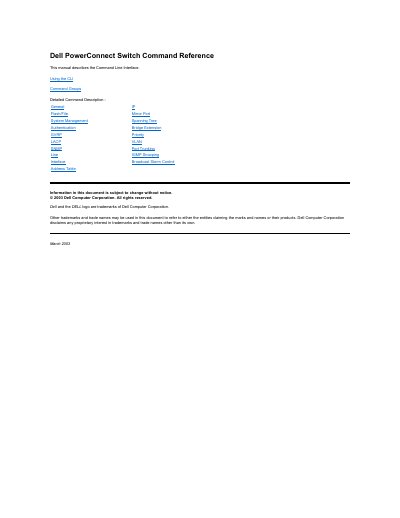
This Dell PowerConnect Switch Command Reference describes the Command Line Interface, command groups, and detailed command descriptions. It is dated March 2003 and carries a Dell Computer Corporation copyright notice.
The included sections cover Address Table and Authentication commands, with syntax, default settings, command modes, and examples for commands such as mac-address-table, radius-server, and tacacs-server.
| Maximum address entries (PowerConnect 3248) | 8191 entries |
|---|---|
| Maximum address entries (PowerConnect 5224) | 32768 entries |
| Default address table aging time | 300 seconds |
| Address aging time range (PowerConnect 5224) | 17-2148 seconds |
| Address aging time range (PowerConnect 3248) | 10-1000000 seconds |
| Default RADIUS server port | 1812 |
| Default TACACS+ server port | 49 |
It describes the Command Line Interface, command groups, and detailed command descriptions.
The default aging time is 300 seconds.
The PowerConnect 3248 supports up to 8191 address entries.
The default RADIUS server UDP port is 1812.