
This document describes how to set up Windows.
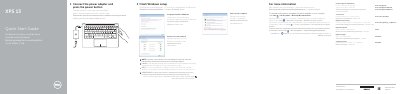
This guide covers finishing Windows setup on the Dell XPS 13 (XPS 9350), including connecting the power adapter, setting a Windows password, and connecting to a network.
It also labels the laptop's ports, buttons, and shortcut keys, and points to Dell product support, manuals, and regulatory information.
| Computer model | XPS 9350 |
|---|---|
| Regulatory model | P54G |
| Regulatory type | P54G002 |
Connect the power adapter and press the power button, set a Windows password, and connect to your network.
Dell lists product support and manuals at Dell.com/support and Dell.com/support/manuals.
The guide lists shortcut keys for audio, volume, playback, brightness, wireless, and other functions.
The guide labels the camera, Thunderbolt 3 port, USB 3.0 ports, headset port, media-card reader, power button, and other items.