
Dell Inspiron 17-5759 Laptop Quick Start Guide
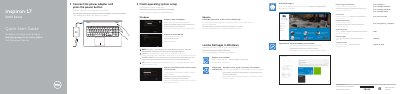
This document serves as a multilingual Quick Start Guide for the Dell Inspiron 17-5759 laptop. It provides instructions in English, Polish, Russian, Turkish, and Ukrainian for connecting the power adapter, configuring the operating system (Windows or Ubuntu), and signing into a Microsoft account. The guide also details how to register the computer and use specific Dell applications like SupportAssist and Dell Backup and Recovery.
Connect the power adapter and press the power button.
Follow the instructions on the screen to finish setup.
Enter the password for wireless network access when prompted.
The right side has the power-adapter port, network port, HDMI port, USB 3.0 port, media-card reader, power and battery-status light/hard-drive activity light, right-click area, headset port, USB 2.0 ports (2), optical drive, security-cable slot, and power button.